A monthly payroll run is data entry, preview, calculation and distribution. Teamso handles each stage on the same screen with the same data.
Preview
Preview payroll, fix it, run it again
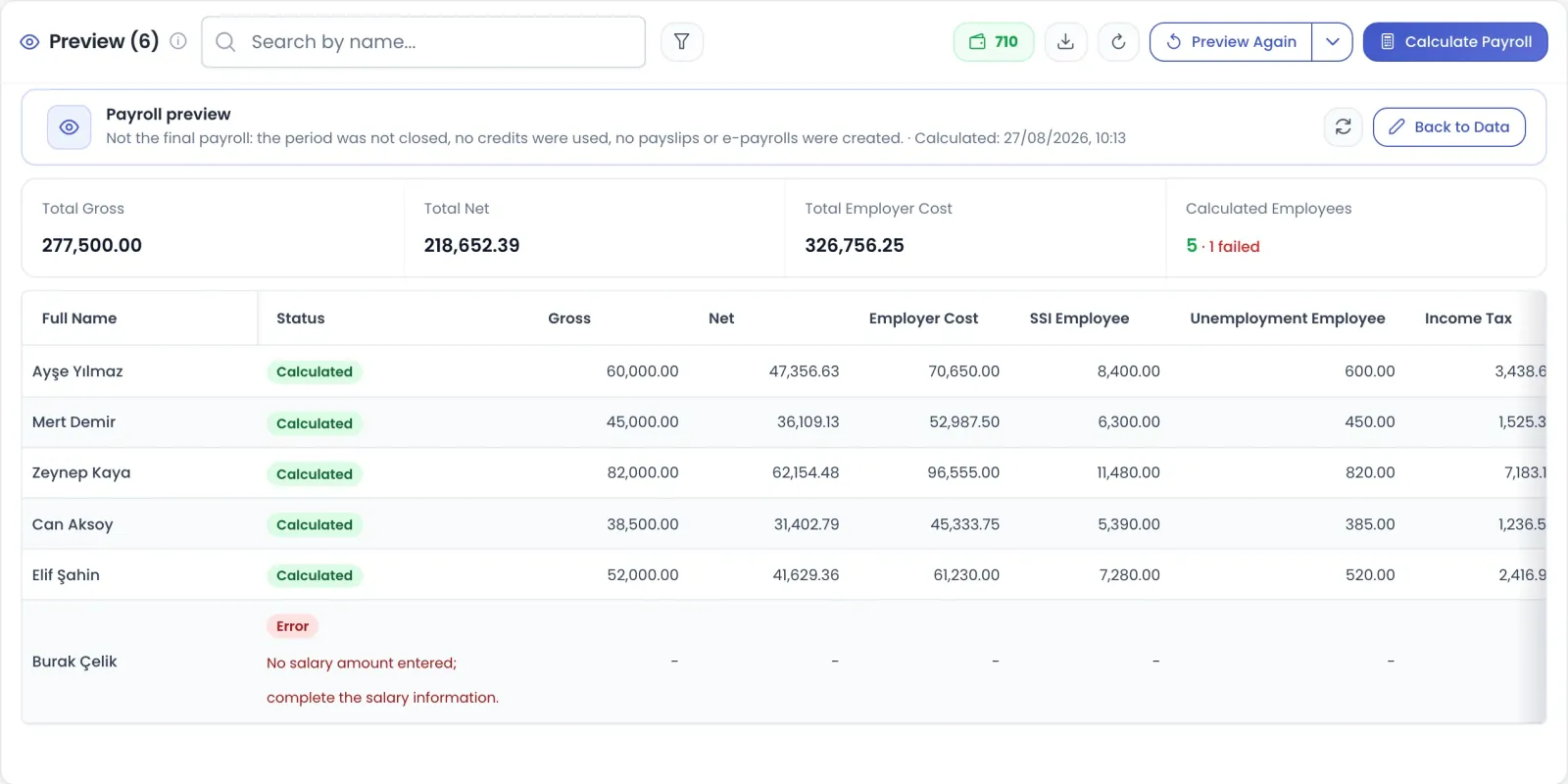
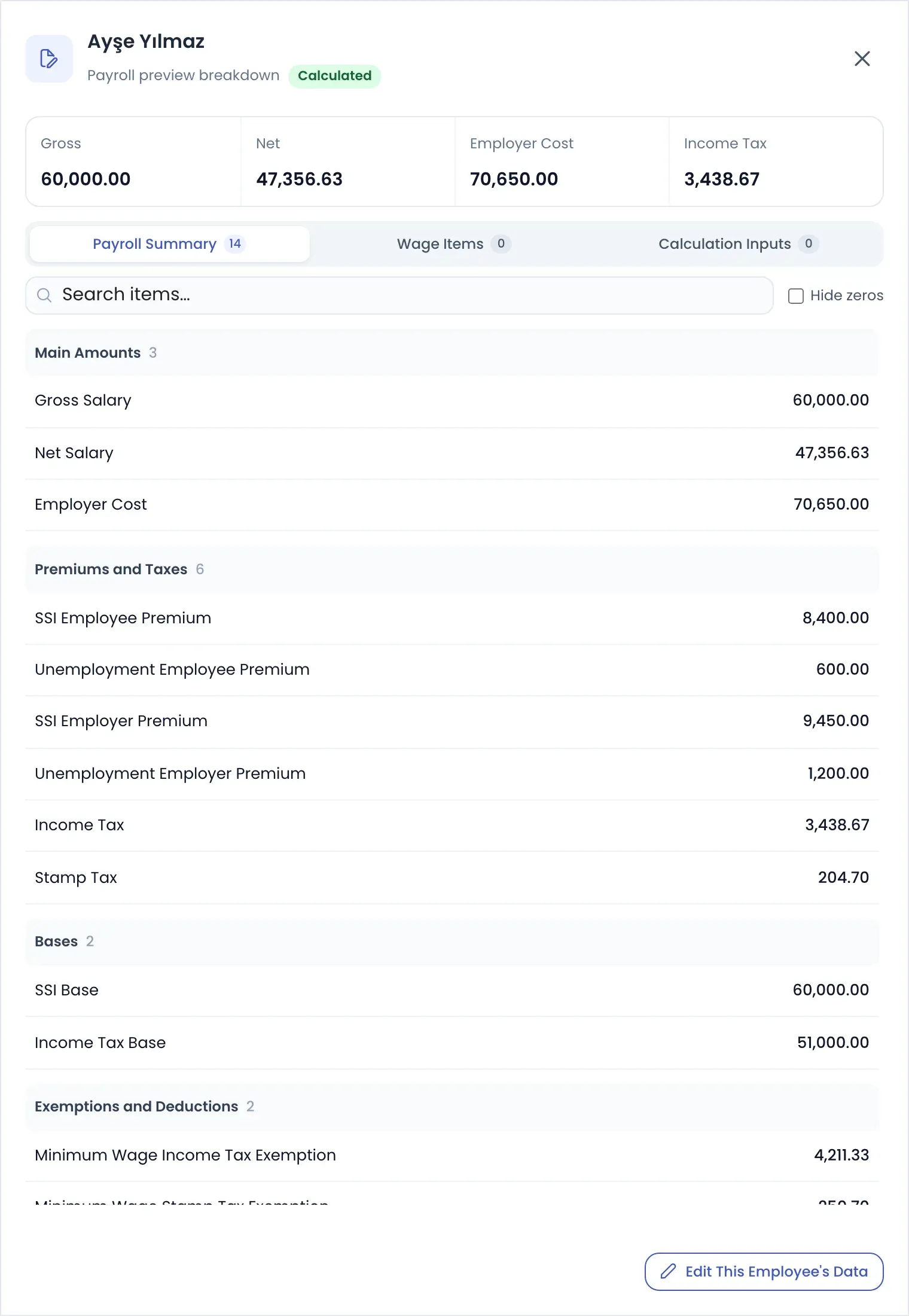
Preview Payroll calculates the whole run without closing the period. No credit is used and no payslips or e-payslips are produced. You review the results with a per-employee breakdown, correct missing data and preview again. Filter by branch, department or position to preview group by group; previews accumulate over the period and the screen shows how many employees are covered.
Previews use no credit and keep the period open
Cascading filter by branch, department and position
Running count of previewed employees, with a preview-the-rest button
Validation panel flags missing data before calculation
app.teamso.com
Data flow
Timesheets, leave and benefits on one period screen
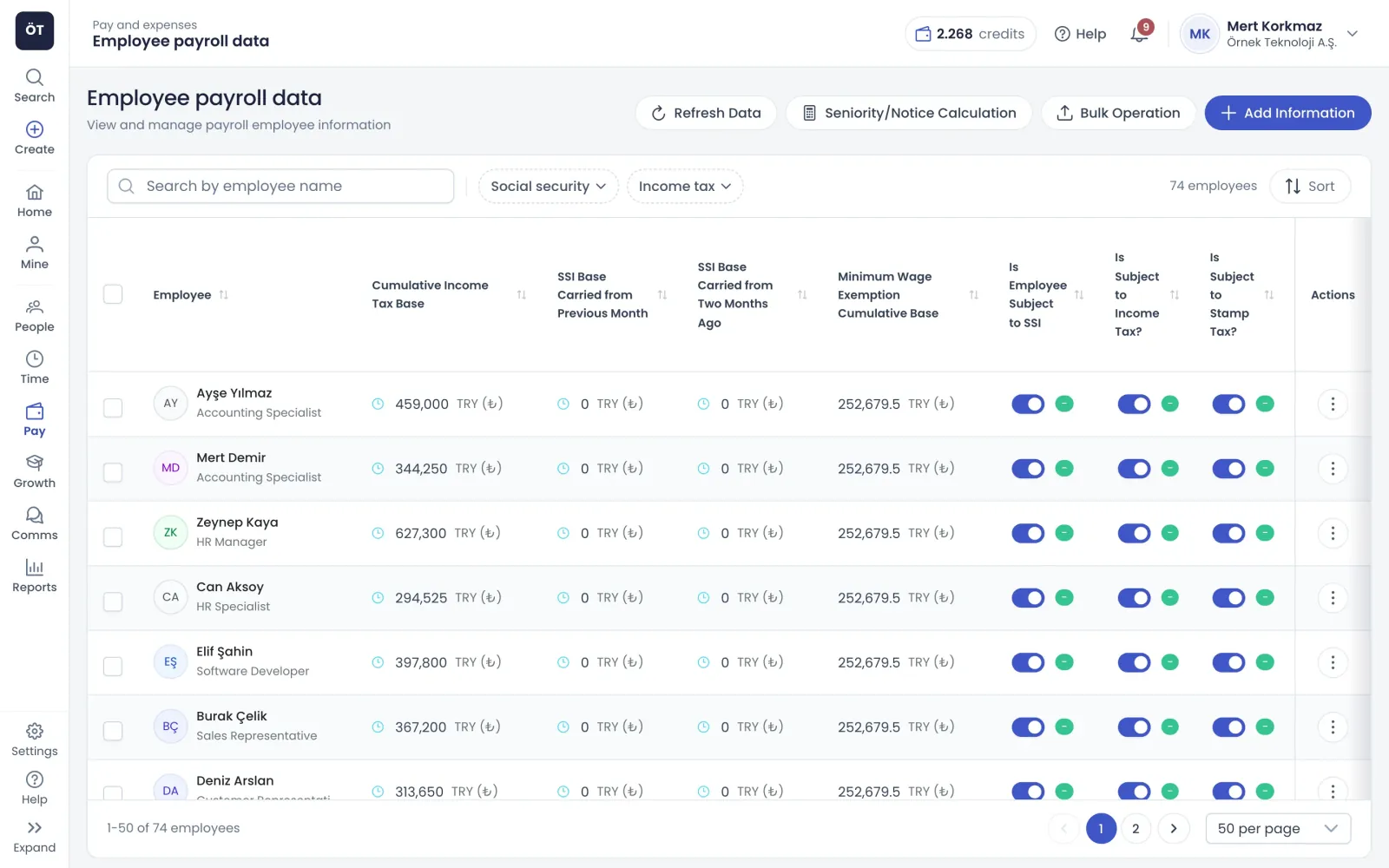
The period screen groups timesheet, leave, overtime, benefit, payment and deduction data into categories. Days can come from the timesheet module and leave records, or be entered entirely on the payroll screen. Bulk Edit assigns an absence reason to many employees at once, and the whole period exports to Excel.
Choose the timesheet source in payroll settings
Optionally include planned days near month end
Meal and travel allowances prorated for mid-month joiners and leavers
Export the period data to Excel
app.teamso.com
Reports
Declaration, accounting and bank files ready at close
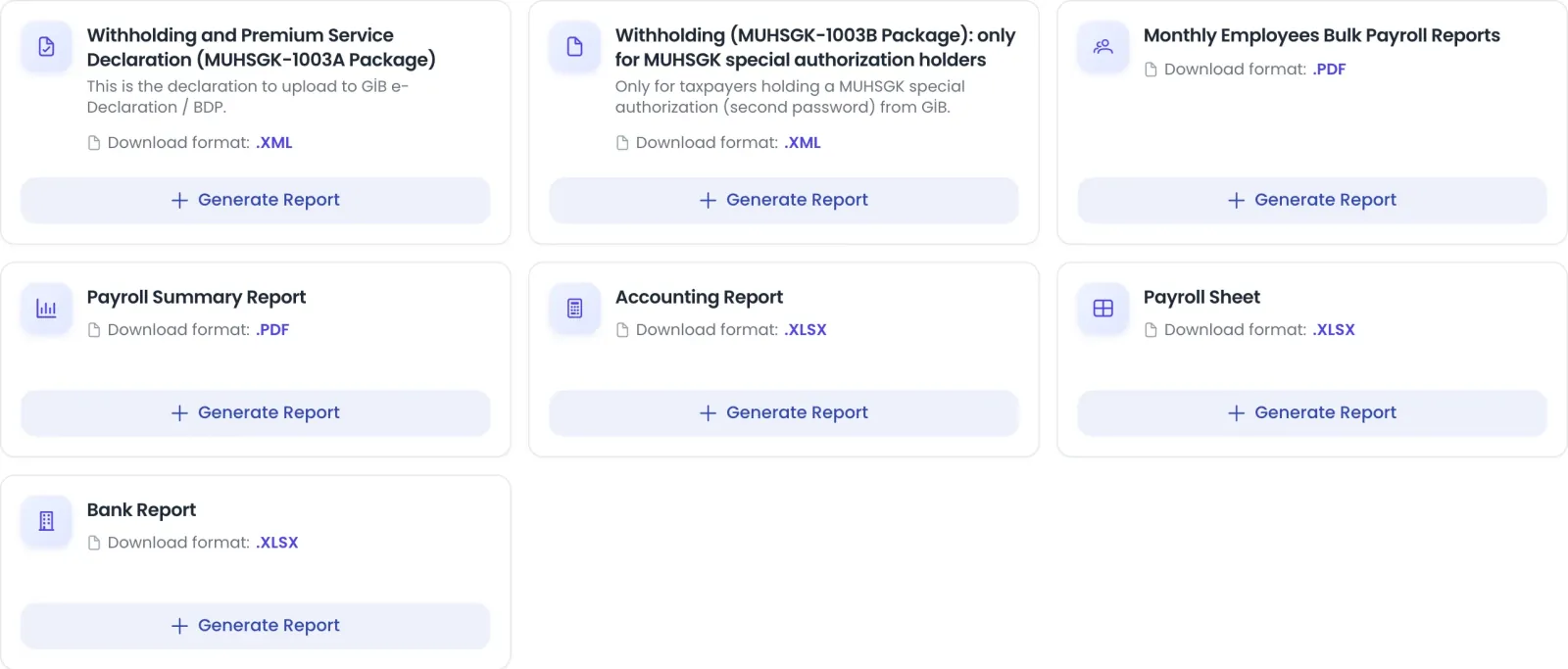
For a closed period you generate the withholding and social security declaration package as XML (1003A, or 1003B for taxpayers with the special MUHSGK authorisation), a combined payslip PDF, a summary report, an accounting report, a spreadsheet payroll and a bank list. The accounting report follows your cost centre mapping. Payslips go out through e-payslip.
MUHSGK 1003A package for GİB e-Beyanname and BDP
Accounting report by cost centre in Excel
Bank payment list and line-by-line spreadsheet payroll
Download any employee's payslips for the period
app.teamso.com
Edge cases
Built-in flows for the hard parts of payroll
Incentives, garnishments, SGK notifications and severance run inside payroll rather than in side spreadsheets.
SGK incentives and R&D
Enter an employee's incentive law number and dates on their record, in bulk through Excel, or for a single period on the payroll screen. The software checks the date rules for each law and stops calculation when a range does not fit.
Law numbers 6111, 17103, 27103 and 07252
Law 5746 R&D status and exempt days
Interns paid by paid days, without statutory deductions
Salary-proportional garnishment
A garnishment file is entered with a deduction rate, total debt and the date it was served on the company. Each run calculates net pay after statutory deductions, subtracts alimony if any, and sets aside the given rate for the file.
Multiple files are deducted in the order served
Total garnishment never exceeds the 25 percent legal cap
Preview shows the amount and remaining debt per file
SGK hiring, leaving and sick notes
The personnel transactions screen works with your SGK profile. You send hiring and termination notifications, pull medical incapacity reports from SGK and approve them, and track offset records. Each employee's SGK status loads live in the list.
A separate SGK profile for each workplace
Incapacity reports split into pending and approved
Missing fields are listed before you send
Severance, notice pay and unused leave
For a leaving employee you calculate severance and notice pay in the severance window. Leave types excluded from seniority are deducted from the service period, unused annual leave pay is worked out, and the result goes into the final month's payroll.
Seniority-exempt leave deducted from service time
Unused annual leave pay calculated
Result transferred to the exit month payroll
How it works
Month-end payroll in four steps
Finish the setup
Enter company and workplace details, assign employees to workplaces, pick the timesheet source and open your first period.
Check period data
Complete timesheet, leave, overtime, benefit and deduction categories and choose a reason for every absence day.
Preview and correct
Preview the full run or one branch at a time, read the employee breakdown, fix issues and preview again.
Calculate and distribute
Close the period with Calculate Payroll, send e-payslips and download the MUHSGK, accounting and bank reports.
Connected modules
Modules that feed payroll
Payroll gathers data from the rest of Teamso into a single screen at month end.
No. Preview Payroll does not close the period, does not use credits and does not create payslips or e-payslips. Credits are only used when payroll is finalised with Calculate Payroll. Each employee's calculated payroll for a period uses one credit, and recalculating the same employee in the same period does not use a second one.
Can I run payroll by branch?
You can preview by branch, department or position, one group at a time. Validation applies only to the selected group, so missing data in another branch does not block it, and previews accumulate across the period. Closing always covers every employee in the period, and the confirmation dialog tells you how many have not been previewed yet.
Does the payroll software produce the MUHSGK declaration?
Yes. For a closed period it generates the withholding and social security declaration as an XML package. The file to upload to GİB e-Beyanname or BDP is the 1003A package; 1003B is only for taxpayers holding the special MUHSGK authorisation. Workplace details such as workplace type, GİB branch code and trade registry office must be filled in first.
What if I spot a mistake after payroll is calculated?
Reopen the last closed period with Reopen Period. The next period, if already active, moves to draft and becomes active again automatically once the earlier one is closed. Values you typed on the payroll screen are kept. Reports for the reopened period are deleted, so you generate them again after recalculating.
How are legal payroll parameters kept up to date?
SGK floor and ceiling, income tax brackets, stamp duty, minimum wage and exemption amounts come from the payroll calculation service integrated with Teamso. You can see them read-only in the payroll parameters tab. Calculations always use the current parameters from the service, so there is no rate table for you to maintain.
How does payroll software handle garnishments in Turkey?
Garnishments are entered as a salary-proportional deduction. Each run calculates net pay after statutory deductions, subtracts alimony if there is any, and applies the given rate to the remainder. Several files are deducted in the order they were served, with any leftover from a finished file moving to the next in the same month. The total stays within 25 percent.
Where does payroll take timesheet data from?
By default, days are read from the timesheet, leave and overtime modules. If you switch on the option to enter timesheets on the payroll screen, rows start from a full-month assumption and all entries are made there instead. A separate setting lets you include planned days in payroll when the month end is a set number of days away.